Recording the Training Room (Trainer's Desktop)
As a trainer, you can capture recordings of the Training Room as well as each participant's desktop. This comes in handy when revisiting course material or reviewing any problems students encountered during the session. These recordings are useful for keeping your own notes and providing context to development support teams during troubleshooting.
Training Room Interface:
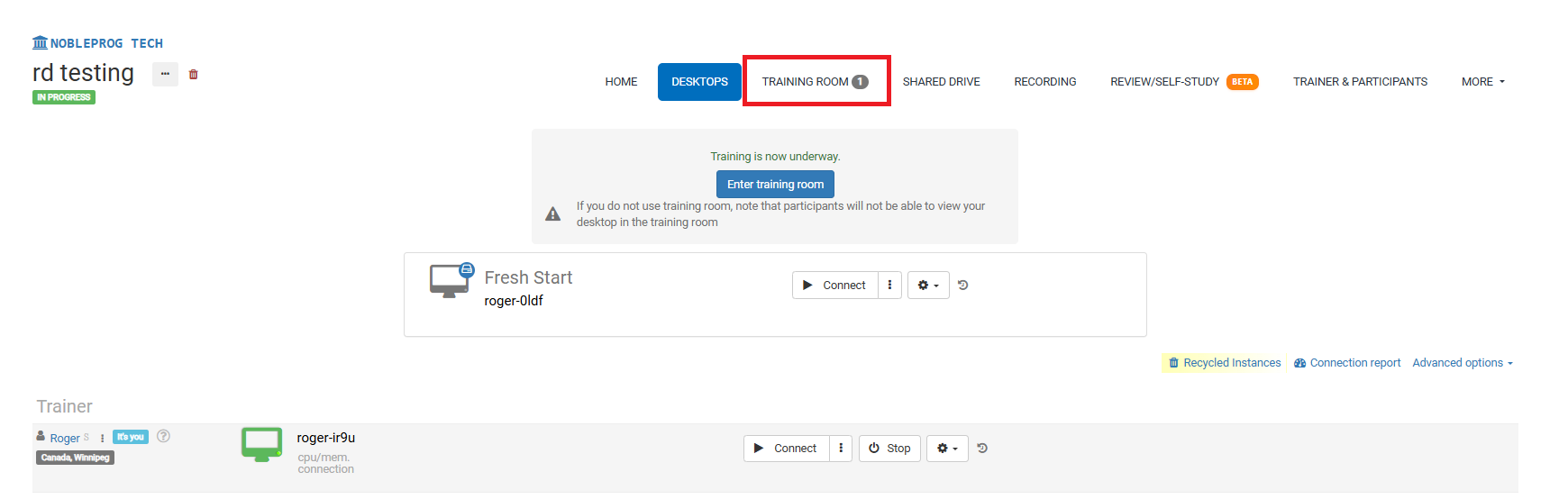
Recording Button
When you're in the Training Room, find the recording button along the bottom bar. As illustrated below, it sits next to your name and the tags associated with your user account.
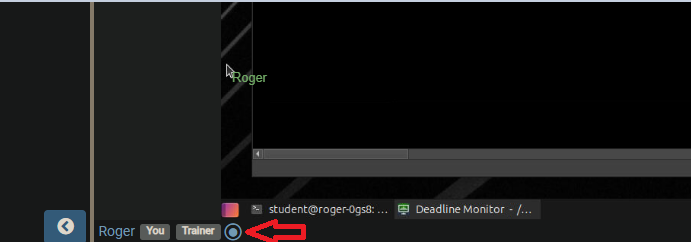
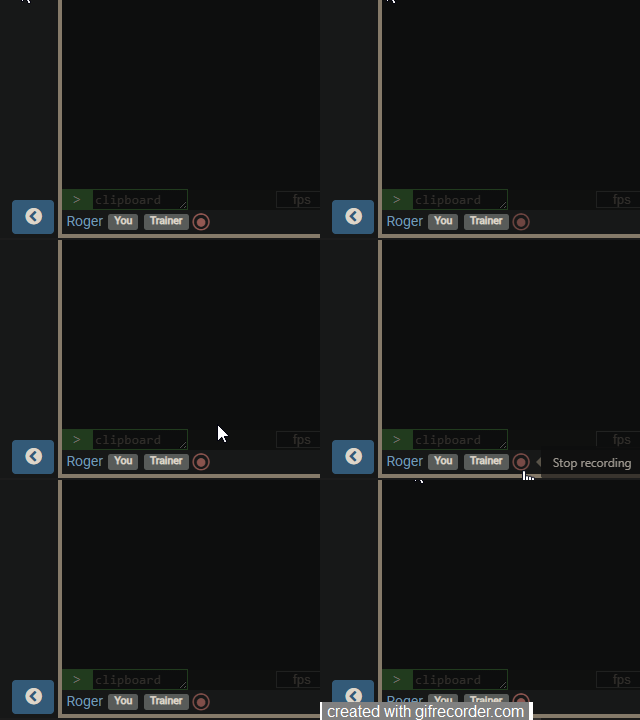
After you click the button, recording begins and the button will pulse with a slow red light. To end the recording, simply press the button once more.
Accessing Your Recordings
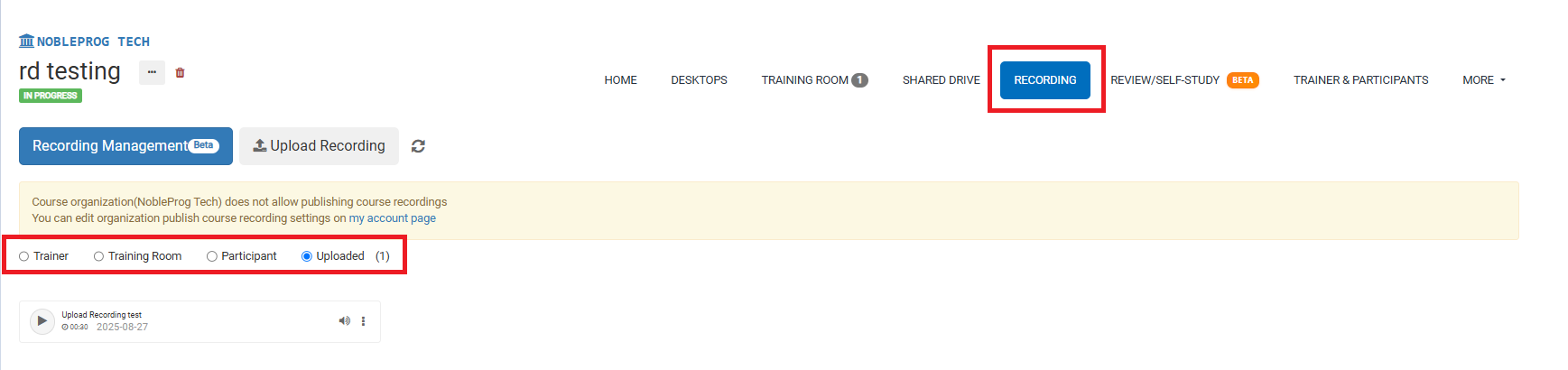
On the course page, you can view all your recordings by navigating to the `Recordings` tab. From there, you can choose the specific type of recording you want to review.