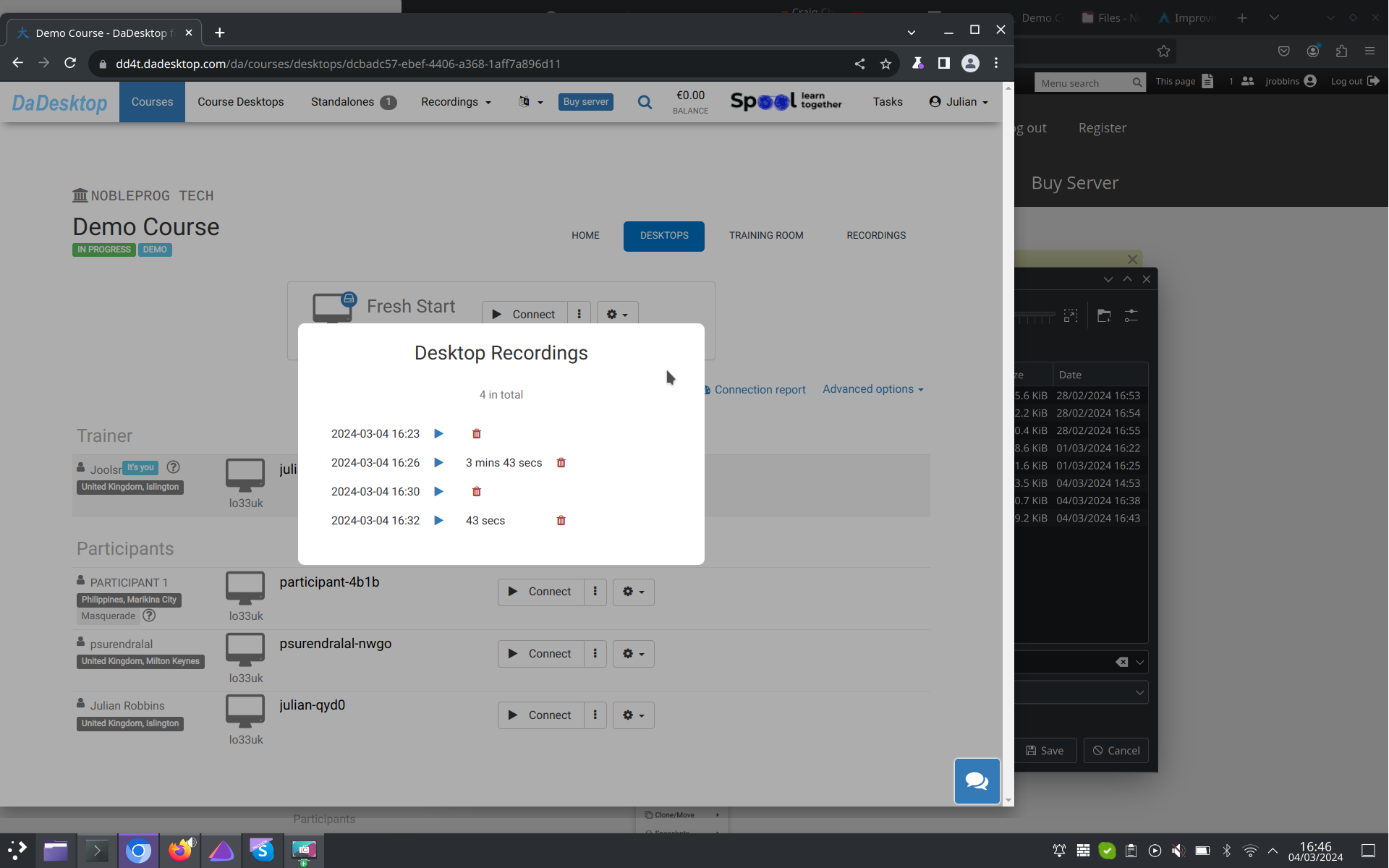
Automatic session recording
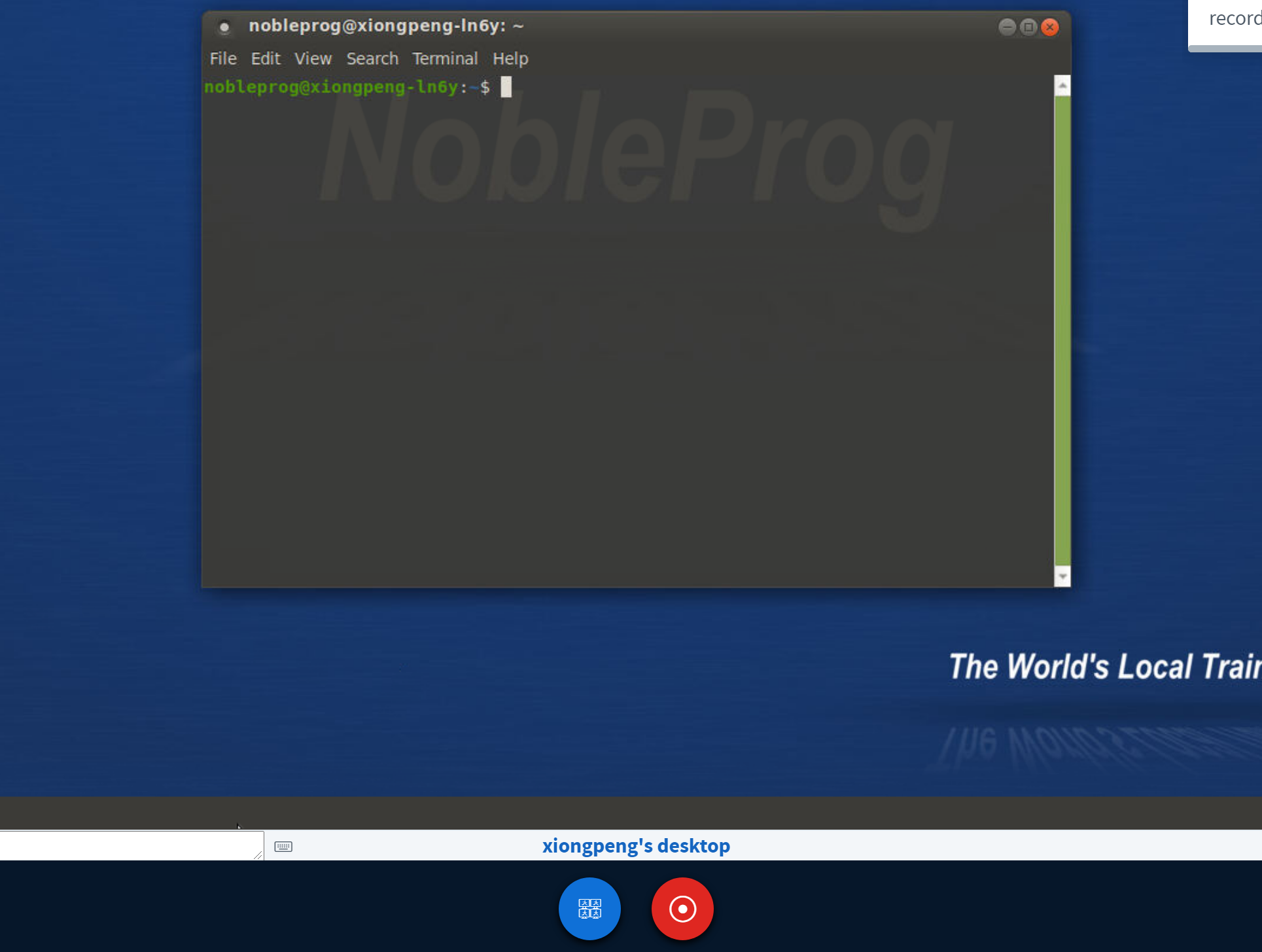
As soon as you enter the training room, the trainer's desktop begins recording automatically.
To stop it, just tap the "red-recording" button a second time.
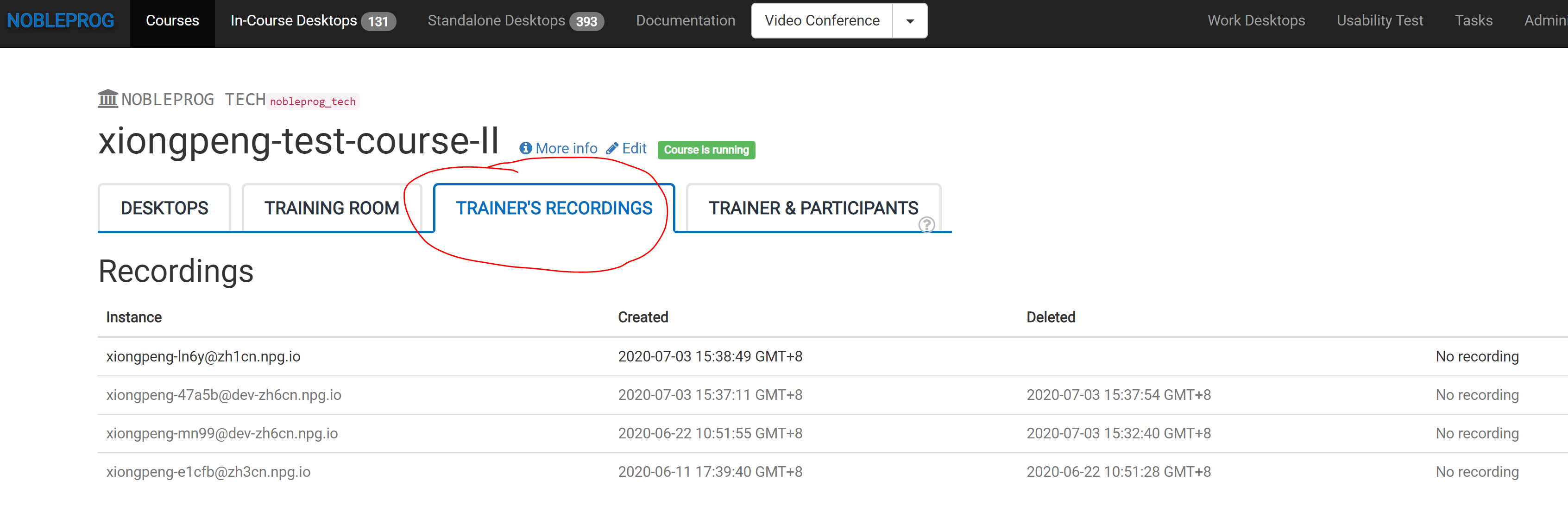
You can access your recordings under "Trainer's Recordings" within your course.
Check out the automatic session recording of the trainer's desktop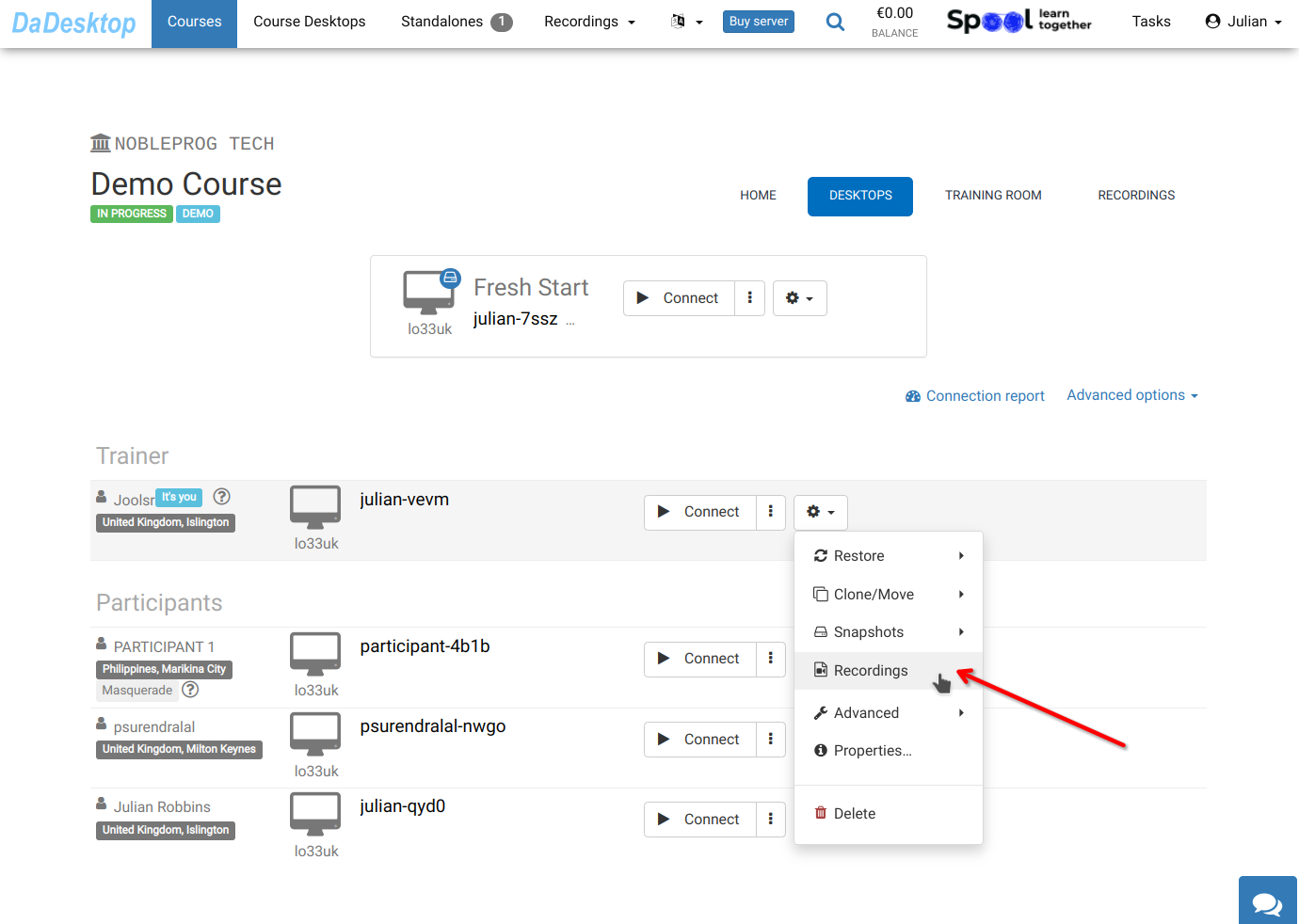
Find your recordings in "Recordings" . You can review them and delete any that aren't needed.