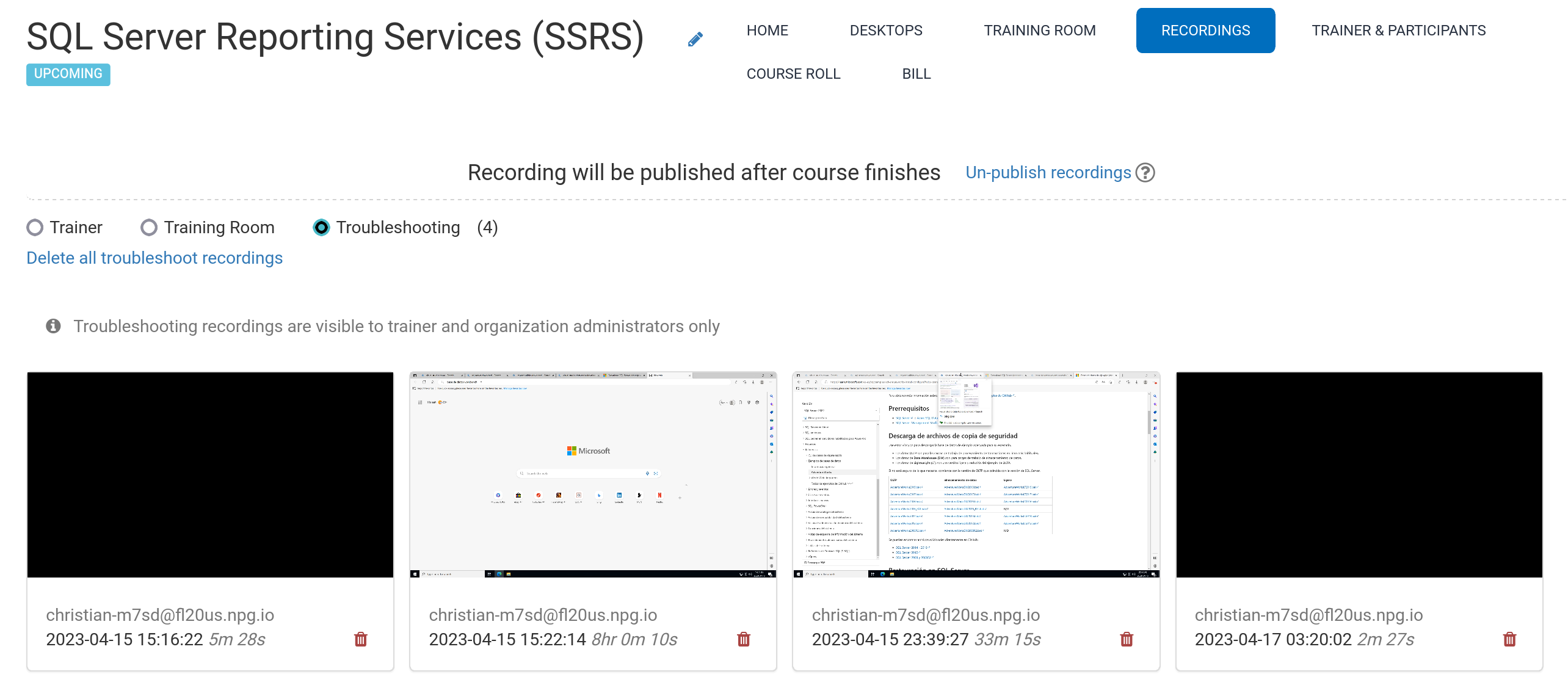
Automatic Course Recording (Trainer's Desktop)
In China, automatic recordings are created for the Trainer’s Desktop or the Training Room (if used) as the course runs.
You can press the red button again to stop the recording.
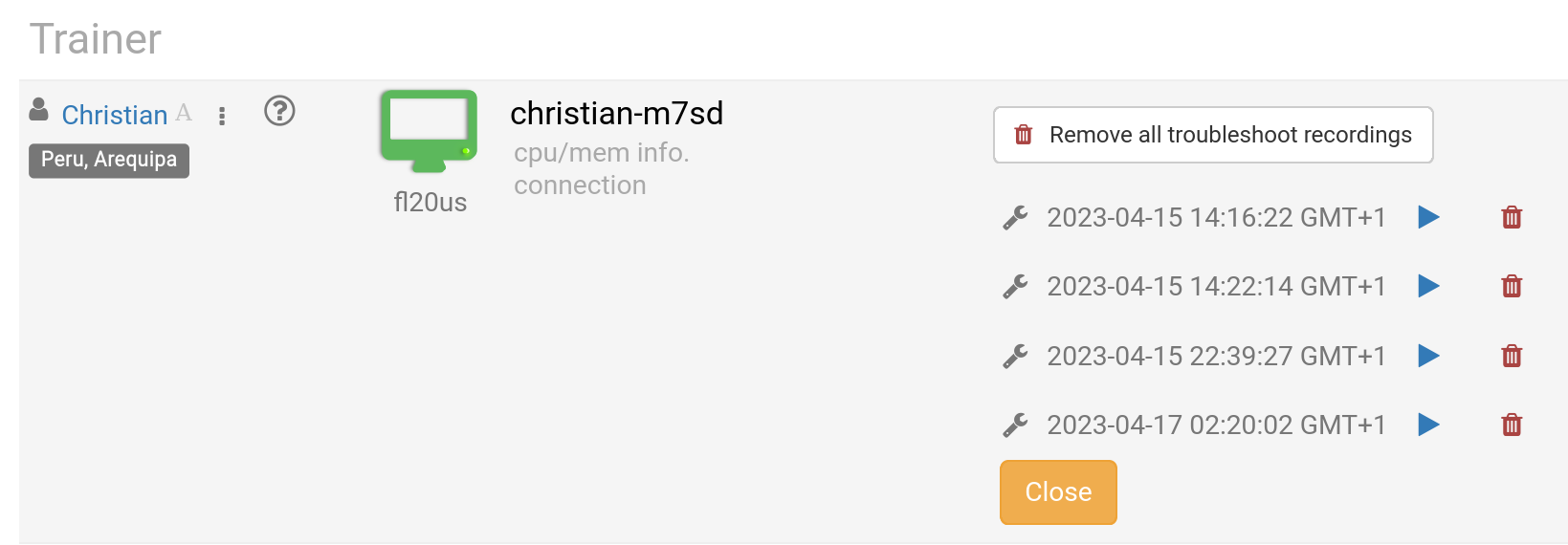
The Trainer can delete recordings as needed. Troubleshooting recordings are also automatically generated during course preparation but are only utilized for resolving setup issues when necessary.
You can access your recordings from the Recordings section, which breaks down into three types:
- Trainer
- Training Room
- Troubleshooting
Only the Trainer and Training Room recordings are available for external publishing.