Using Snapshots on Virtual Desktops
How Desktop Snapshots Are Used
Snapshots give you the ability to back up your virtual machine and restore it quickly when needed.
For instance, before running an upgrade that might cause system instability, you can halt your VM and capture a snapshot.
Should the upgrade go smoothly, you can remove the snapshot; if it doesn’t, you can roll back to the earlier machine state.
All DaDesktop variants – Fresh Start, Trainer, Participant, and Standalone – support snapshots.
Keep in mind that restoring a snapshot will shut down the machine, so you’ll need to restart it afterward.
Making Snapshots
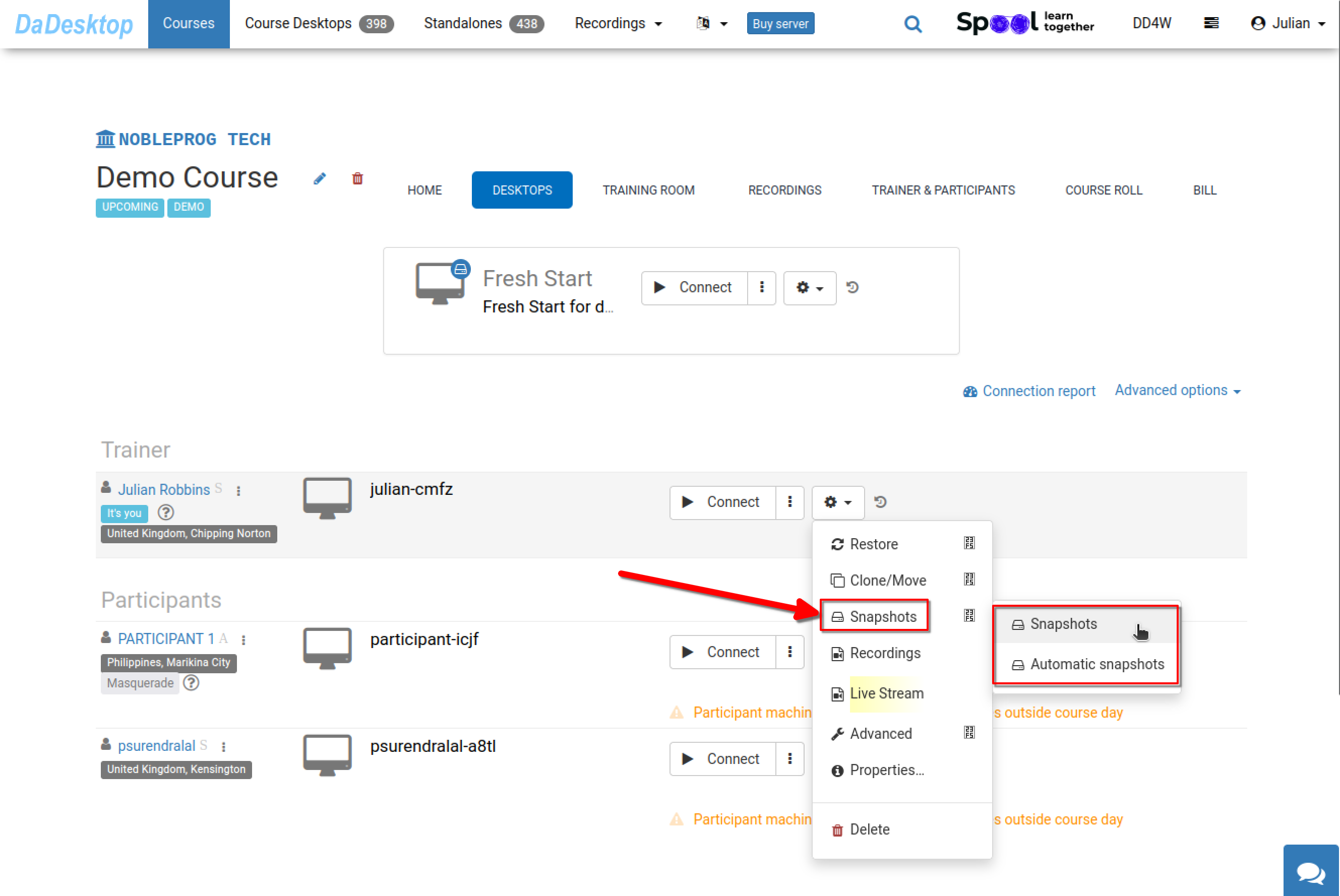
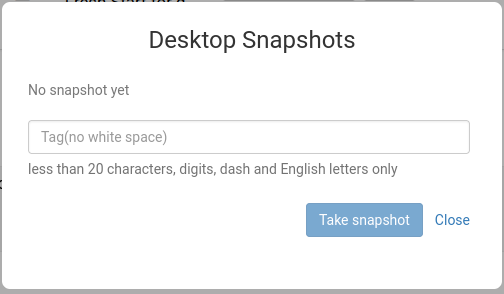
This shows the process of taking a snapshot. Be sure to label it clearly so you can identify the exact point when it was created.
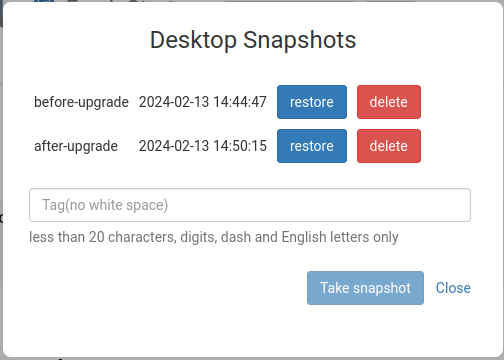
In the following example, two snapshots were captured at different moments. You can restore or delete them as necessary.
Automated Desktop Snapshots
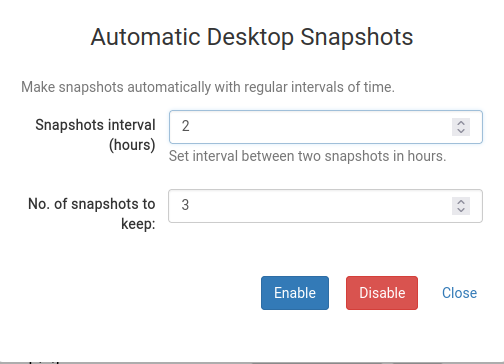
If you’d rather have snapshots created automatically at regular intervals to eliminate the risk of forgetting, automated snapshots are the perfect solution.
You can set how many snapshots to retain and the interval at which new ones are captured right here.