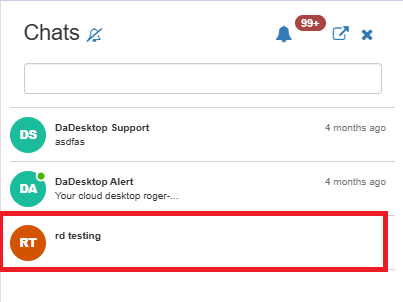
Course Chat
Course Chat is built into every training room here in China, allowing trainers, participants, and support members to communicate seamlessly during any session.
When you enter the training room, you’ll be prompted to join the course chat — no separate sign-up needed.

At any point later, you can open the chat by clicking the icon at the top right of the training room.
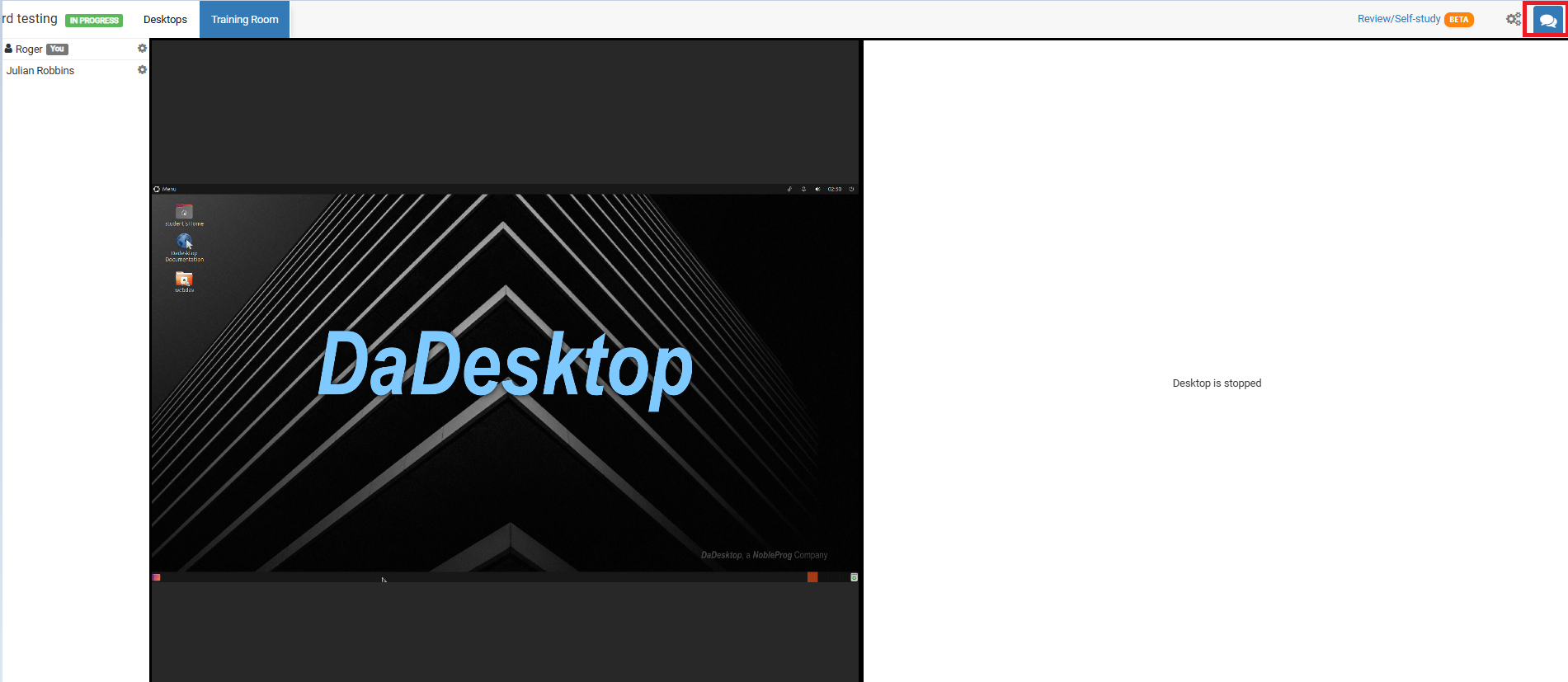
Clicking that icon opens the chat panel on the left, where your course appears in the list. You can also turn on notifications from the top of the chat interface to get an audio alert each time a new message is posted.