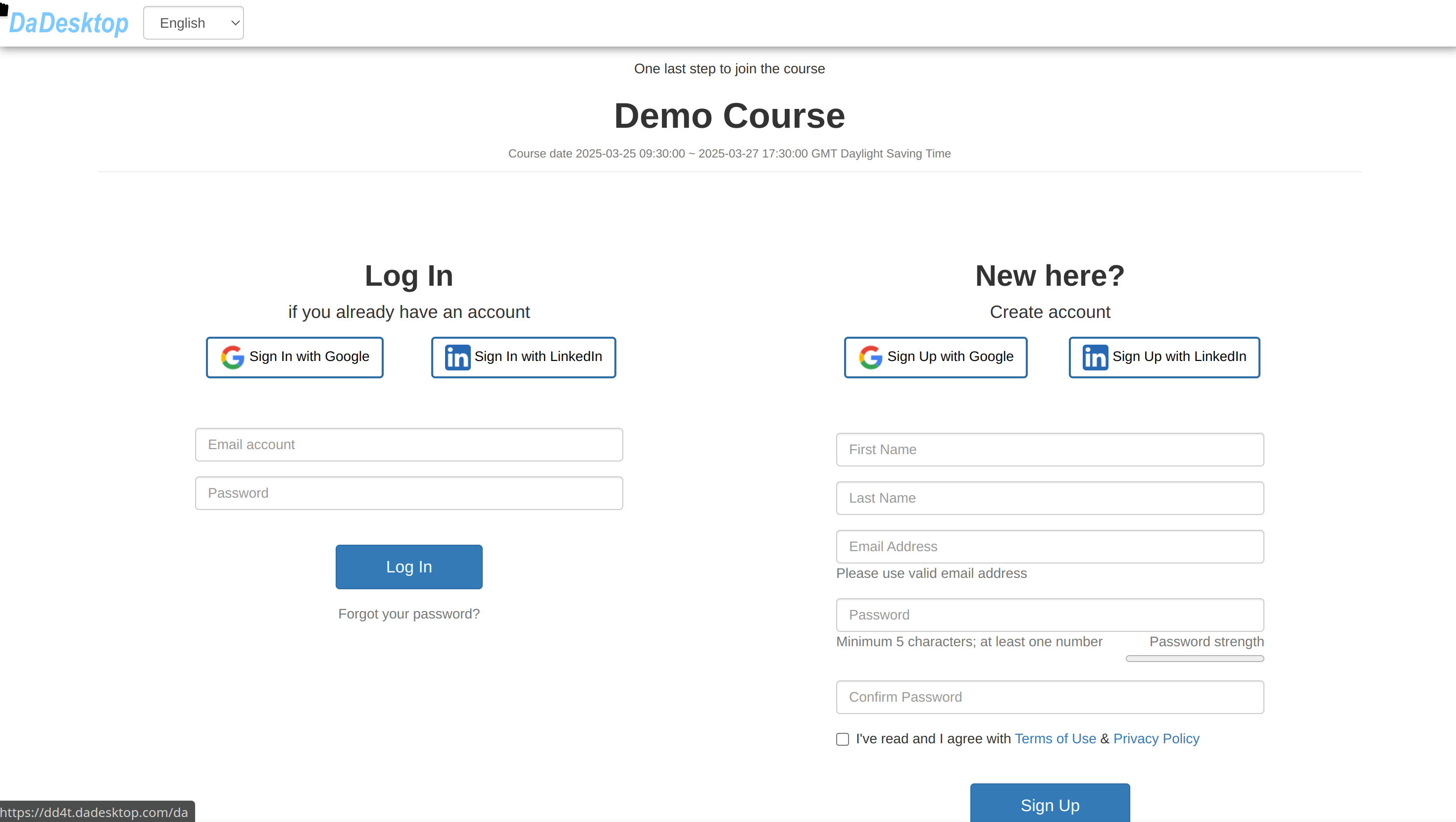
Participant Invitation
Once a course is set up, trainers can share a special pink invitation link to bring participants onboard.
- Participants simply click the link to sign up for the course.
- Each link is tied to one specific course—one link per course.
- For the best experience, use Chrome or Firefox when registering.
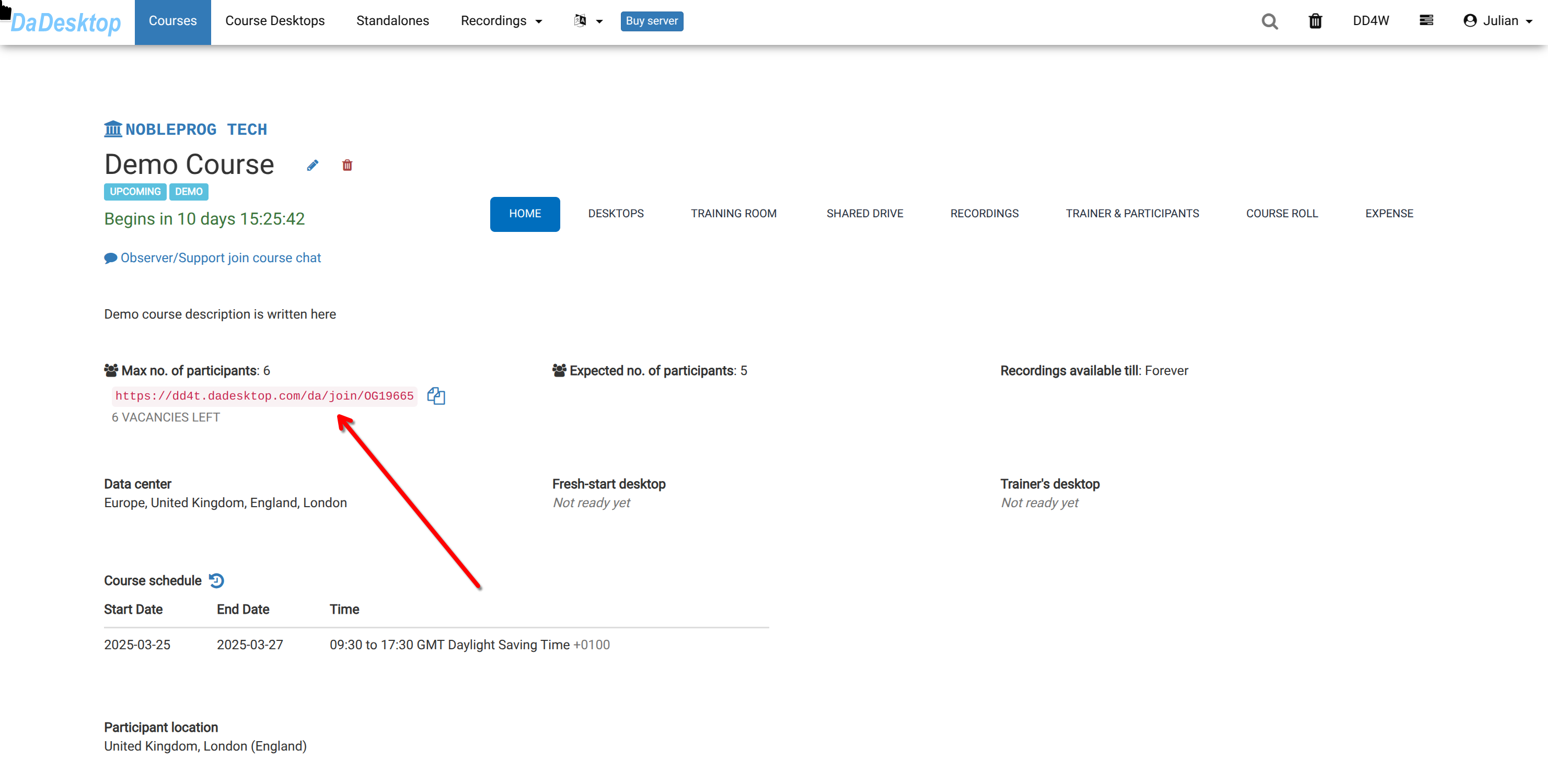
After receiving the link, you can open it and register for the training course as a participant.