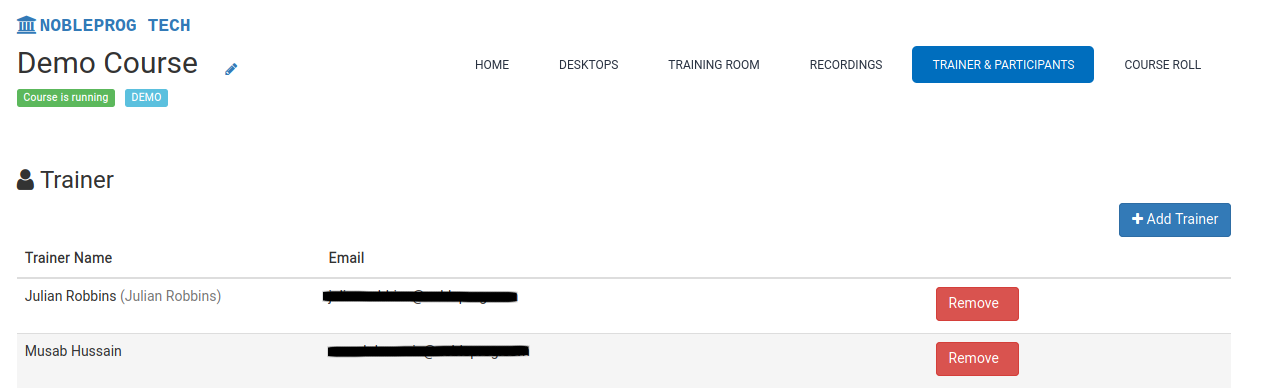
Adding Trainers to Courses
DaDesktop supports having one or more trainers in its online courses.
There are several methods to assign trainers:
- Send an email invitation to trainers
- Designate existing users within your organisation as trainers
- Promote any user to trainer status (only Super Administrators can do this)
To assign a trainer, follow these steps:
- Open the relevant course
- Select the “Trainer & Participants” tab