Managing Servers
You can add or remove servers within your On-Premise or OEM DaDesktop cloud setup.
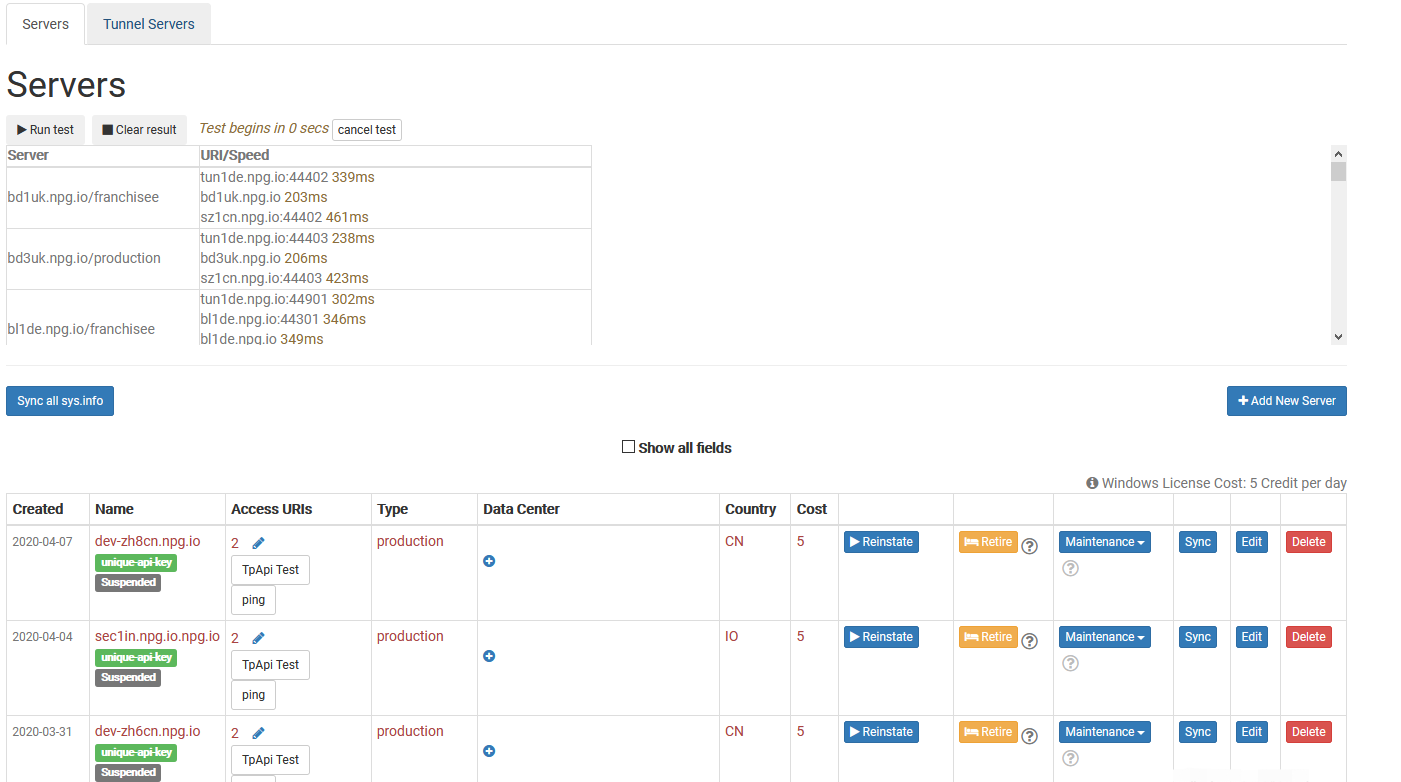
Sync all sys info
This operation checks each server's CPU, memory, and other specifications, then refreshes the database records accordingly. DaDesktop draws on this data when suggesting servers to users, prioritising those with greater available resources.
Should you carry out any hardware upgrades, you can choose to sync either all servers or just a single one.
Please bear in mind that if you manage upwards of 1,000 servers, this procedure might take a few minutes to complete.
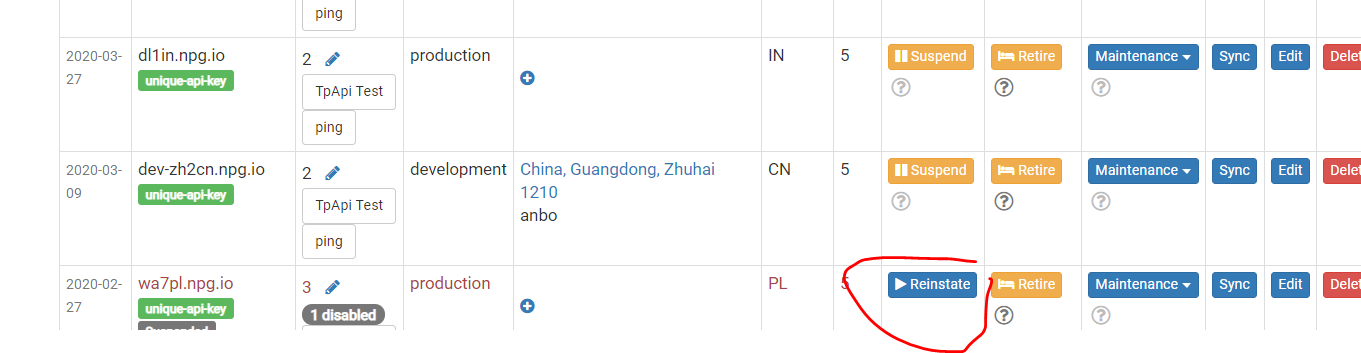
Change State (Suspend, Reinstate)
You should suspend a server when it becomes unreachable. Doing so stops the DaDesktop GUI from attempting to verify the status of that server and its desktops.
This is particularly handy if a server goes offline due to a fault.
Retiring Server
When you are ready to phase out a particular server, switching it to retire mode is the way to go. This action blocks the creation of any new desktops on it. Meanwhile, the desktops already present can continue to be used or can be migrated to other servers.