Managing Recordings
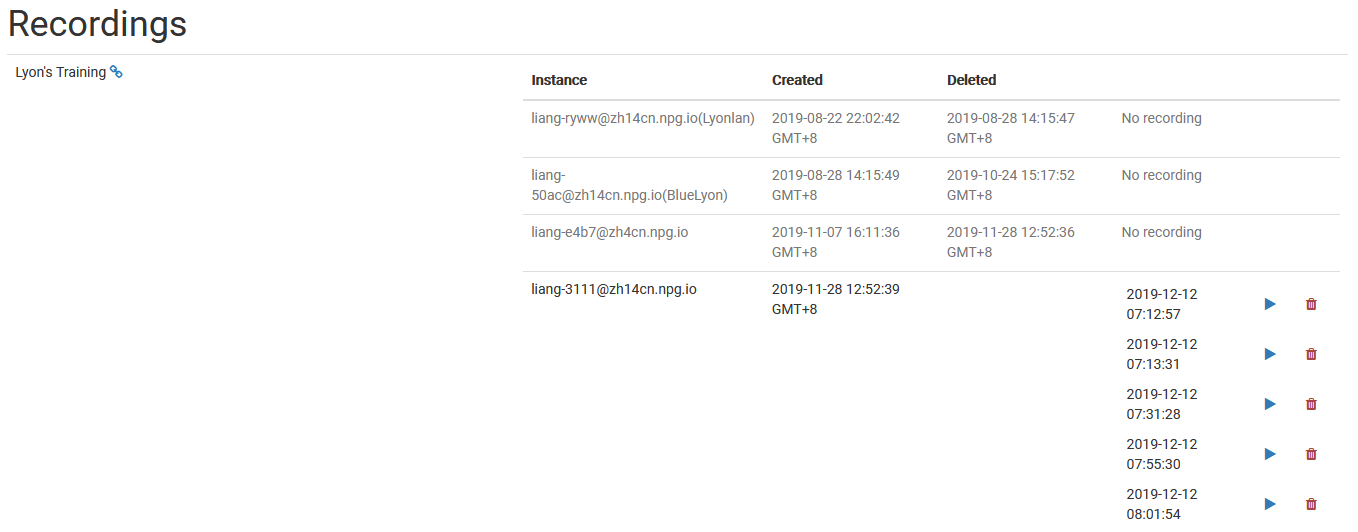
The Managing Recordings page gives Super Administrators the tools to view and handle all recordings made within DaDesktop. It serves as a central hub for reviewing available recordings, making it straightforward to keep recording data tidy and clear out anything that's no longer needed.
Recording Management
On the recordings management page, admins can scan through the recording list and check detailed information. This simplifies the process of keeping an eye on recordings across the platform and carrying out regular tidying up when necessary.
Deleting Recordings
When a recording has served its purpose, you can remove it straight from the management interface. Clearing out unused recordings helps maintain a well-organized system and cuts down on wasted storage. Just be sure to only delete recordings that are genuinely no longer required, as this action is meant for permanent removal.