Managing All Users
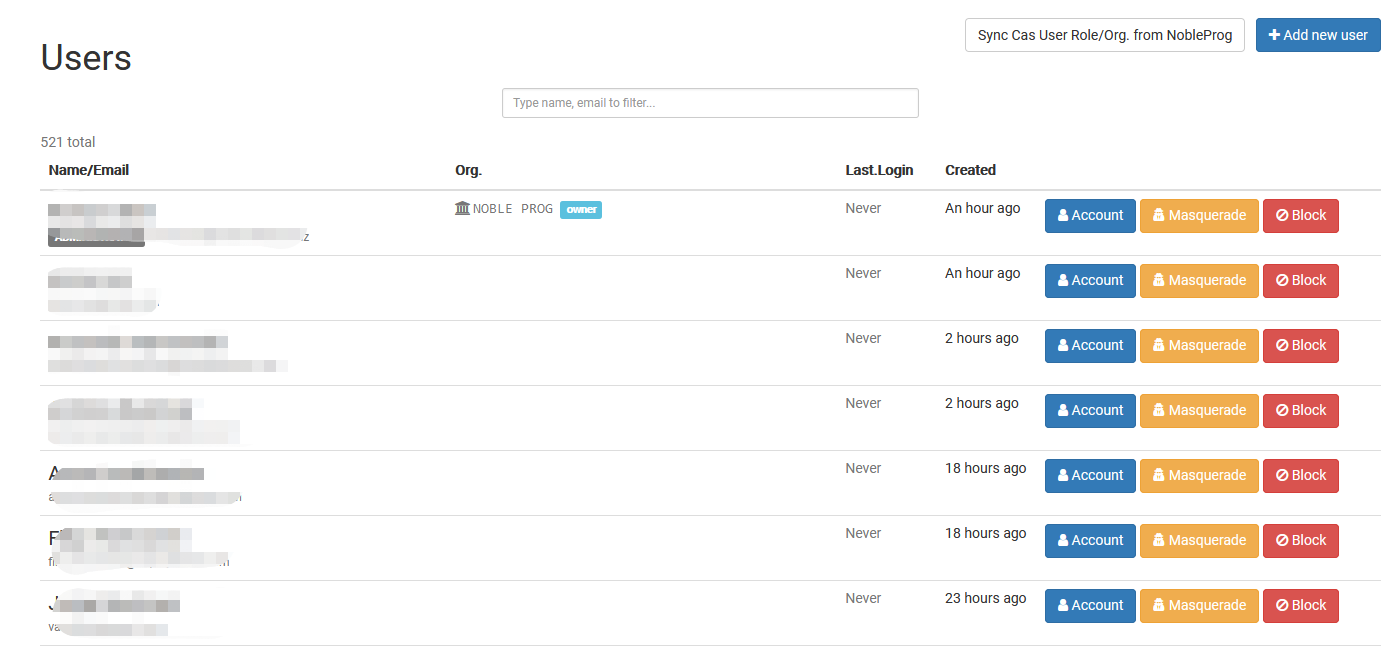
The Managing All Users page serves as a central hub for users holding Super Administrator roles, letting them view and manage every user account throughout the entire DaDesktop system. From one unified screen, Super Administrators can swiftly find users, check account details, and handle various user administration tasks.
Built for overseeing users across all organizations, this page simplifies the work of monitoring accounts, confirming user information, and keeping user records up to date. Only individuals assigned Super Administrator privileges can reach this area.