Running the Desktop as a Chrome Application
A common issue when running the desktop inside a browser tab is that the browser itself intercepts certain keyboard shortcuts, such as Ctrl+W or Ctrl+F4.
The straightforward fix is to make a dedicated app using Chrome (or other Chromium-based browsers).
1. Go to More Tools, then choose ‘Create shortcut’ and save it to your computer desktop.
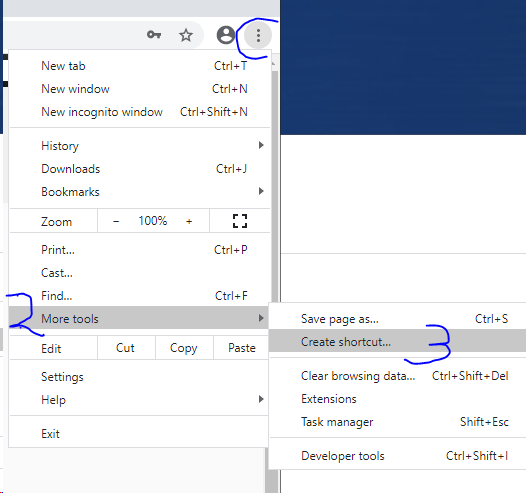
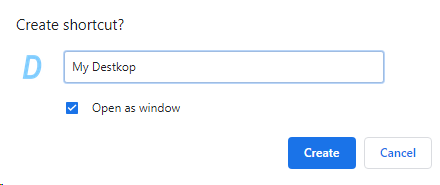
2. During shortcut creation, check the option ‘Open as window’.
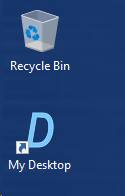
3. Launch your new application by double-clicking the shortcut now on your Desktop.
4. Open and use the app, and those shortcut keys will now work as intended.